
Using Excel for Accounting and Inventory? 7 Signs It’s Time for Business Central
Excel is a useful tool for budgeting, reporting, calculations, and data analysis. For many small and growing businesses, it may also start as the primary tool for managing accounting and inventory.
But as transactions increase, products multiply, and more employees need access to business data, Excel can become difficult to manage. Multiple spreadsheets, manual updates, duplicate entries, and disconnected information can make it harder to know whether your financial and inventory data is accurate.
This is where Microsoft Dynamics 365 Business Central can provide a more structured approach. Business Central is an ERP solution designed to connect financial management, sales, purchasing, inventory, and other business processes in one system.
So, how do you know when it is time to move beyond Excel?
Here are 7 signs your business may be ready for Business Central

1. Your Accounting Team Is Managing Too Many Spreadsheets
One of the clearest signs is spreadsheet overload.
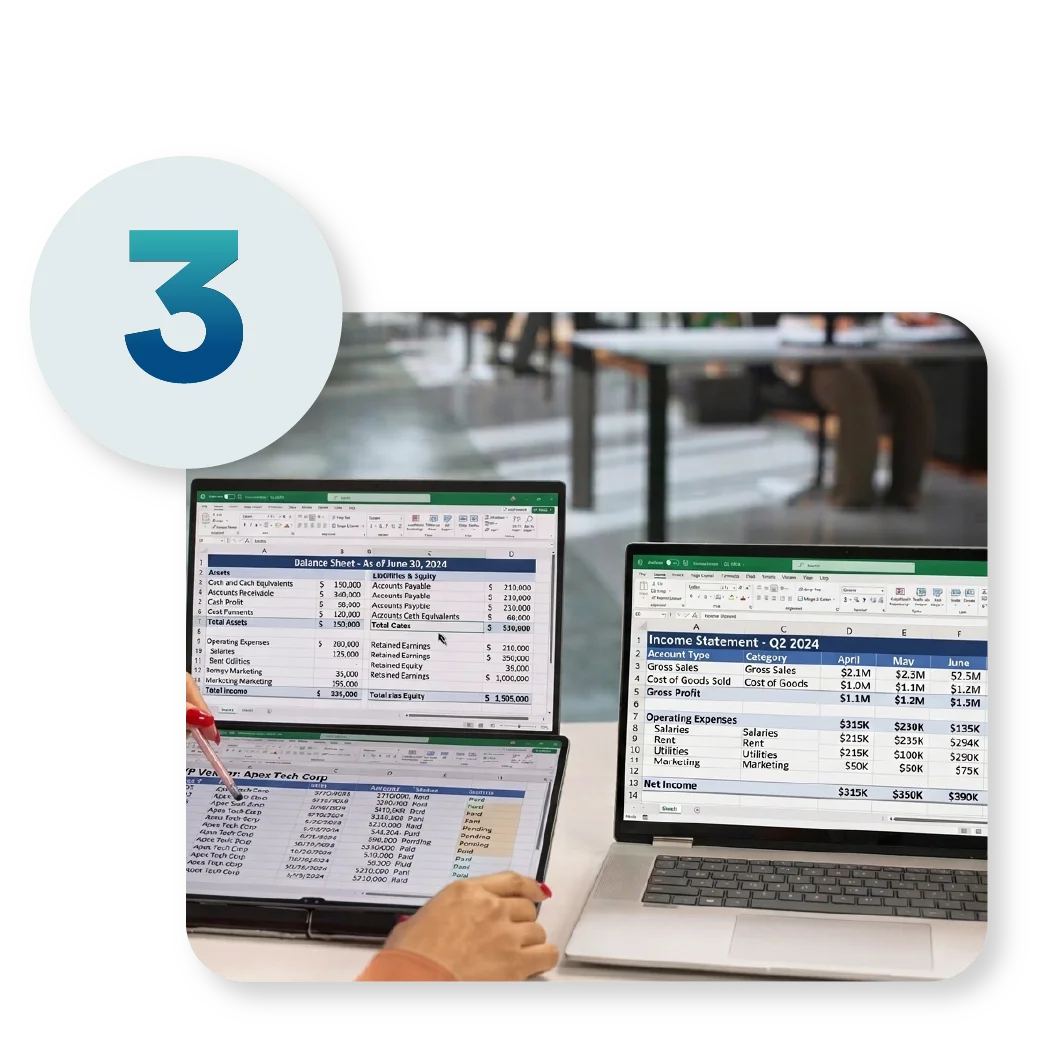
Your accounting team may have separate Excel files for accounts receivable, accounts payable, expenses, cash flow, budgets, sales, and other financial information. When several files are used at the same time, keeping information consistent can become difficult.
A change made in one spreadsheet may not be reflected in another. Employees may also create their own versions of reports, making it difficult to determine which file contains the latest information.
Business Central brings financial transactions into a centralized ERP system, helping teams work from the same underlying business data.
2. Inventory Quantities Are Difficult to Track
Excel can work for basic inventory lists, but inventory management becomes more complicated as your business grows.
You may have multiple warehouses, branches, product variations, purchase orders, sales orders, transfers, returns, and adjustments.
If employees have to manually update inventory spreadsheets after every transaction, errors and delays can occur.
Business Central provides inventory management capabilities that help businesses track items and inventory transactions. Microsoft also provides inventory reports that show increases, decreases, beginning quantities, and closing quantities for selected items and periods.
This gives finance and operations teams a more structured way to monitor inventory movements.

3. You Spend Too Much Time Reconciling Data
Do your employees spend hours comparing spreadsheets?
For example, your sales report may show one figure while your accounting records show another. Inventory quantities may also differ between your warehouse spreadsheet and your accounting records.
These discrepancies often require manual investigation.
An ERP system can connect related business processes so that transactions are recorded in a centralized environment. Business Central can also work with Excel, allowing users to export and analyze business data without making Excel the primary system of record.
The goal is not necessarily to eliminate Excel. Instead, Excel can remain a productivity and analysis tool while Business Central manages core business transactions.
4. Your Business Has Multiple Locations or Warehouses
Managing inventory for one location may be relatively simple.
Managing inventory across several branches or warehouses is different.
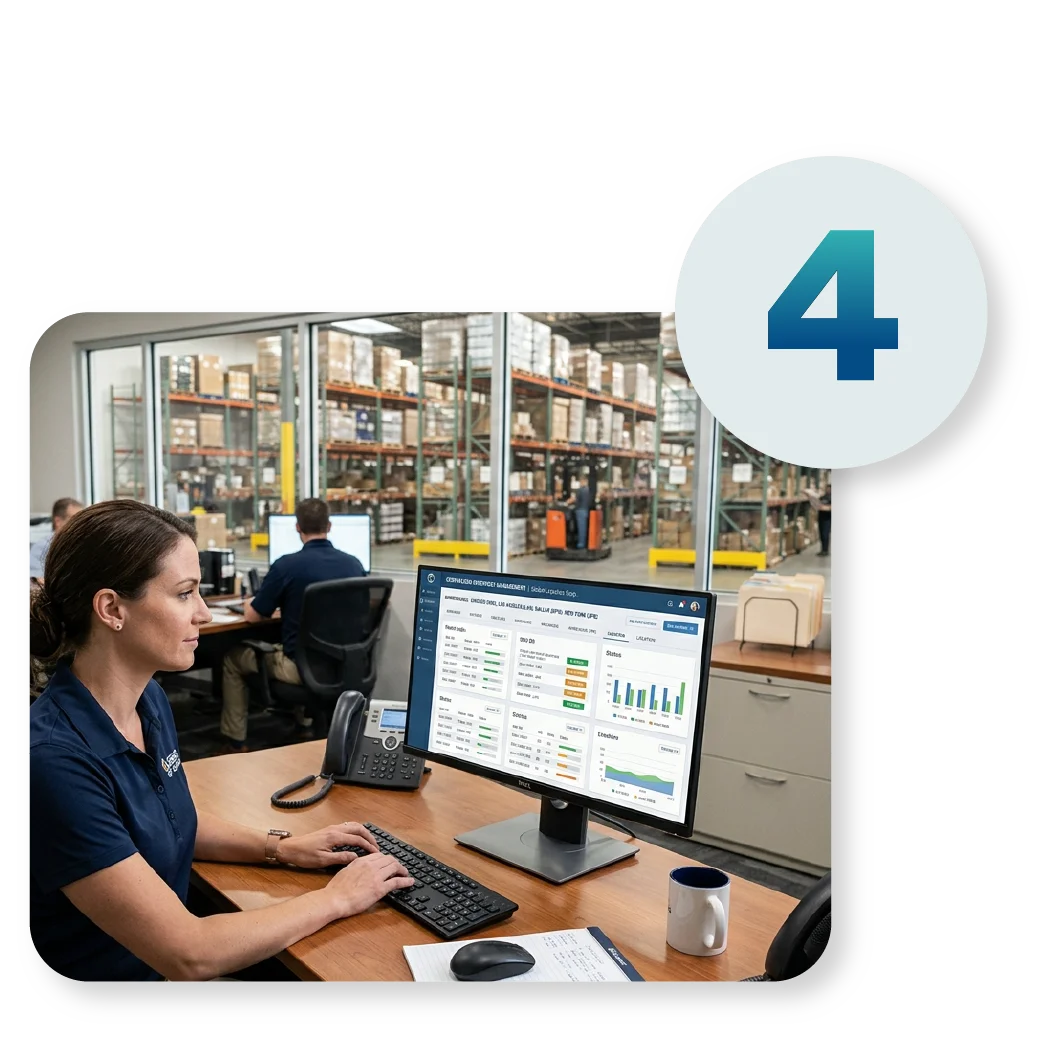
When each location maintains its own spreadsheet, consolidating information can take significant time. You may need to collect files, check formats, remove duplicates, and reconcile quantities before preparing a management report.
Business Central is designed to support financial and operational processes within an integrated ERP environment. This can help businesses maintain better visibility across locations and inventory activities.
For growing companies, having centralized information can make it easier to understand what is happening across the organization.

5. Financial Reports Take Too Long to Prepare
If your team spends days collecting data before management can review financial reports, your current system may be holding the business back.
Manual reporting often involves:
- Collecting data from multiple spreadsheets
- Checking formulas
- Copying and pasting information
- Reconciling figures
- Updating charts
- Preparing management reports
Business Central provides financial reporting capabilities and can work with Excel for further analysis. Microsoft also supports Excel integration, including opening and editing Business Central data through Excel in supported scenarios.
This allows businesses to combine ERP-based transaction management with familiar Excel-based analysis.
6. You Need Better Visibility Into Business Data
Excel generally shows you the information that has been entered into a particular workbook.
An ERP system can provide a broader view of connected business processes.
With Business Central, users can work with data related to customers, vendors, sales orders, invoices, items, purchasing, inventory, and financial activities. Microsoft also provides Copilot capabilities in Business Central that allow users to interact with business data using natural language in supported scenarios.
For example, instead of searching through several files, users may be able to ask questions about business records and retrieve relevant information through Business Central's Copilot capabilities.
This can be particularly useful for managers who need information quickly when making purchasing, sales, inventory, or financial decisions.


7. Your Business Is Growing Faster Than Your Spreadsheets
Perhaps the biggest sign is simple: your business has outgrown Excel.
If your transaction volume is increasing, your team is expanding, you are adding locations, or your inventory is becoming more complex, continuing to depend on spreadsheets for core accounting and inventory processes can create unnecessary risks.
Business Central provides an ERP foundation that can support growing organizations while still working with familiar Microsoft tools.
Microsoft describes Business Central as integrated with Microsoft 365 applications such as Excel, Outlook, Word, OneDrive, and Teams.
That means moving to an ERP does not necessarily mean abandoning the tools your employees already know.
Is Business Central Better Than Excel for Accounting and Inventory?
Excel and Business Central serve different purposes.
Excel is excellent for:
- Data analysis
- Budgets and forecasts
- Custom calculations
- Charts and presentations
- Ad hoc reporting
Business Central is designed for:
- Financial management
- Accounting transactions
- Sales and purchasing
- Inventory management
- Customer and vendor records
- Business process management
- Integrated reporting
The two can work together. In fact, Microsoft supports using Excel with Business Central for viewing, editing, and analyzing business information in supported scenarios.
The question is not whether Excel is a good tool. The question is whether Excel should continue to be the system your business relies on to manage core accounting and inventory transactions.

Why Consider Microsoft Dynamics 365 Business Central?
For growing businesses, Business Central can provide a centralized ERP environment for managing finance and operations.
It also brings together familiar Microsoft technologies. Its Microsoft 365 integration includes tools such as Excel, Outlook, Word, OneDrive, and Teams.
Business Central also continues to incorporate AI capabilities. Microsoft documents Copilot features that can help users find business information, summarize records, and support certain accounting, inventory, purchasing, and other business processes.
For companies already using Microsoft 365, this can make Business Central a practical option to consider when upgrading from spreadsheet-based accounting and inventory management.
Microsoft Dynamics 365 Business Central in the Philippines
For Philippine businesses, choosing an ERP is not only about software. Implementation, localization, training, support, and understanding the company's existing processes are also important.
Mustard Seed Systems Corporation provides Microsoft Dynamics 365 Business Central solutions for businesses in the Philippines. The company has been involved in Microsoft Business Applications and Business Central projects and participated in Directions ASIA 2026, a Microsoft Dynamics 365 Business Central community event.
Mustard Seed Systems can help businesses assess their current accounting and inventory processes, plan their Business Central implementation, provide training, and support the transition from fragmented systems to an integrated ERP environment.

Send us a Message
For more information or inquiry about our products and services, kindly fill out the form below.
Get in Touch
