No featured image available for this article.
Get More Done with AI-Powered Microsoft Business Central
Running a business has never been more demanding – customers expect faster service, finance teams need accurate reports, and operations must move in real time. If you’re still relying on traditional ERP tools or on-premise systems, you’ve probably felt the cracks: slow report generation, manual reconciliation, bottlenecks in inventory, and endless back-and-forth just to get simple answers.
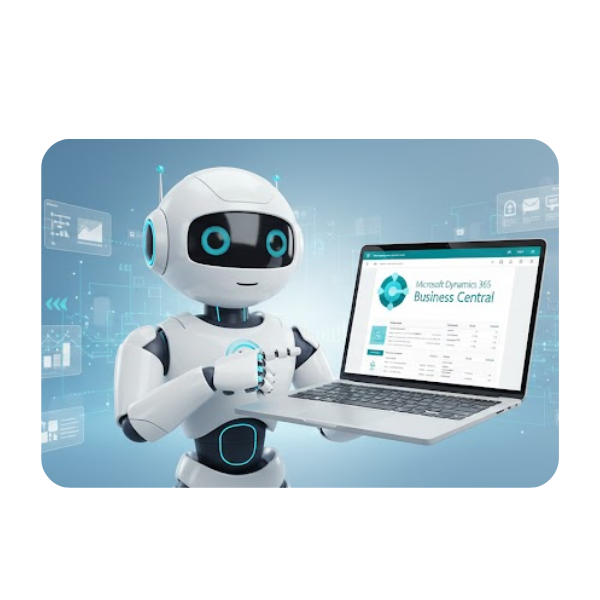
The truth is, yesterday’s ERP can’t keep up with today’s pace. Data is growing faster, decisions need to be made quicker, and competition is no longer just about who works harder—it’s about who works smarter.
That’s exactly why AI has made its way into modern ERP. Not as a trend, but as a necessity.
Microsoft Business Central is reshaping how businesses operate by turning manual tasks into automated workflows and complex data into instant insights. Whether you’re a business owner who needs clarity, an accountant juggling reconciliations, or a warehouse manager trying to stay ahead of stock issues, AI-powered Business Central helps you move with speed, accuracy, and confidence.
The Problem with Traditional ERP Systems
Old ERP tools can feel like running a race with one leg tied behind you. They’re slow, laborious, and make even simple tasks take way longer than they should. In today’s fast-paced business world, sticking with old-fashioned systems can seriously hold you back.


Outdated Processes Slow Work Down
Many on-premise or older ERP systems rely heavily on manual encoding—sales orders, bank reconciliation, inventory adjustments, and financial entries. These repetitive tasks take up hours and increase risk of errors. With AI in Dynamics Business Central, much of that work gets handled automatically, so your team can spend time on things that actually move the business forward.
Limited Visibility Means Slower Decisions
Many on-premise or older ERP systems rely heavily on manual encoding—sales orders, bank reconciliation, inventory adjustments, and financial entries. These repetitive tasks take up hours and increase risk of errors. With AI in Dynamics Business Central, much of that work gets handled automatically, so your team can spend time on things that actually move the business forward.


Clunky Systems Make Synchronizing Difficult
Growing businesses—especially those handling multiple warehouses—struggle with stock accuracy and disconnected data. AI-powered automation helps by synchronizing inventory across all locations, predicting demand for each warehouse, and automatically generating reorders.
Inability to Spot Errors Before They Become Problems
Old ERP systems often rely on manual entry and static reports, which means mistakes can go unnoticed for days or even weeks. Without real-time monitoring or intelligent alerts, discrepancies in transactions, inventory, or financial data often pile up before anyone catches them. This lack of early detection can lead to costly errors and delays.

From Manual to Automated: Copilot as Your Smart Assistant

Dynamics Business Central Copilot serves as an intelligent assistant woven into your daily processes. It simplifies complex tasks, speeds up routine work, and helps teams access information without digging through formulas or spreadsheets. With Copilot, users can work more naturally—typing questions, asking for insights, or letting AI handle repetitive steps across finance, sales, and operations.
Chat with Copilot AI
Instead of navigating multiple reports, users can simply ask questions in plain language—such as sales trends, inventory levels, or customer history—and Copilot instantly provides answers. This makes your data more accessible, especially for employees who aren’t familiar with reporting tools.
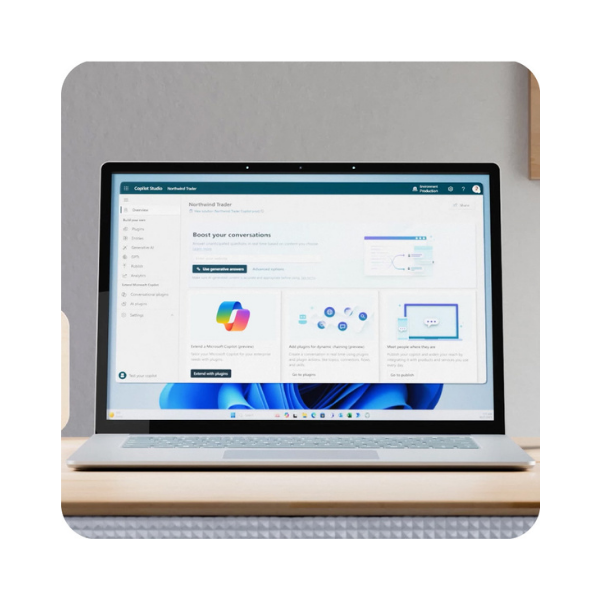

Analysis Assist
Teams can explore data more easily by asking questions and receiving insights, summaries, or breakdowns without needing formulas or technical skills. Understanding your numbers is as easy as having a conversation – giving business owners and finance managers the clarity to act fast and confidently.
Bank Reconciliation Assist
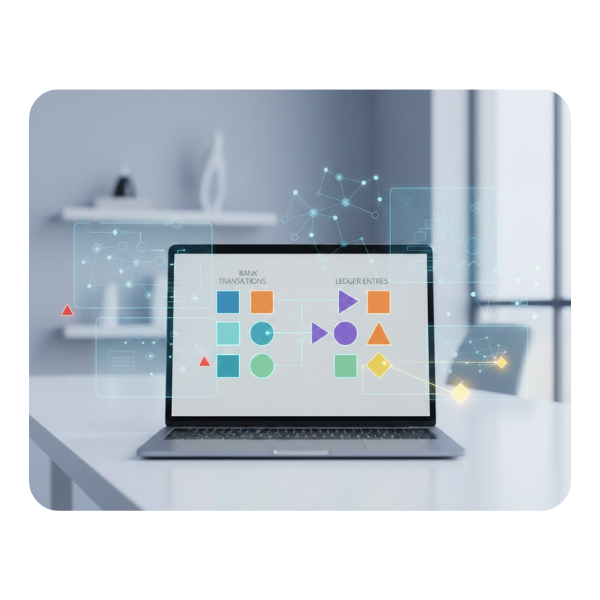
Automatically match bank transactions to ledger entries and identify the right accounts for unmatched items. This Microsoft Dynamics Business Central automation reduces manual checking, shortens reconciliation time, and helps maintain cleaner financial records.

Sales Order Agent
Your sales team can take information from customer emails and instantly turn them into sales quotes. This removes manual encoding and ensures faster, more accurate order entry—perfect for busy teams handling large order volumes. Other features under the Sales Order Agent include:
Payable Agent
Match vendor invoices to purchase orders. This agent eliminates guesswork and prevents mismatches which also means less time spent manually checking documents. For finance teams, it’s a huge time-saver that keeps cash flow and accounts payables under control.


Predictive Analysis
Forecast trends in sales, cash flow, and budgeting. These insights help businesses anticipate needs, and prepare for seasonal fluctuations. Now, you can allocate resources wisely and plan your strategy without second-guessing.
AI-Powered Product Descriptions
Marketing teams can automatically generate clean, well-written descriptions based on item details. This is especially helpful for businesses with large catalogs or frequent new product introductions.
Beyond the individual features of Business Central’s Copilot, the system also offers broader capabilities such as:


AI-driven financial insights
Gives accounting teams alerts on potential issues, projected cash shortages, and unusual transactions. Instead of manually reviewing countless lines of data, teams get instant visibility into key financial health indicators.
Automated Inventory and Replenishment
Uses AI to keep your inventory in check by predicting stock needs and suggesting reorder points automatically. This is a game-changer for businesses with multiple warehouses, helping keep stock levels balanced without constant coordination.


Smarter Customer Management
Helps you understand your customers better by analyzing buying patterns and sales activity. Sales and customer service teams can spot opportunities faster, respond to customer needs more effectively, and make sure no opportunity is missed.
Integration with the Microsoft Ecosystem
Business Central fits seamlessly into the wider Microsoft ecosystem, connecting effortlessly with tools like Excel, Teams, Outlook, and Power BI. This means your data flows smoothly across apps, collaboration is easier, and teams can work in the tools they already know—without juggling multiple systems or manual data transfers.
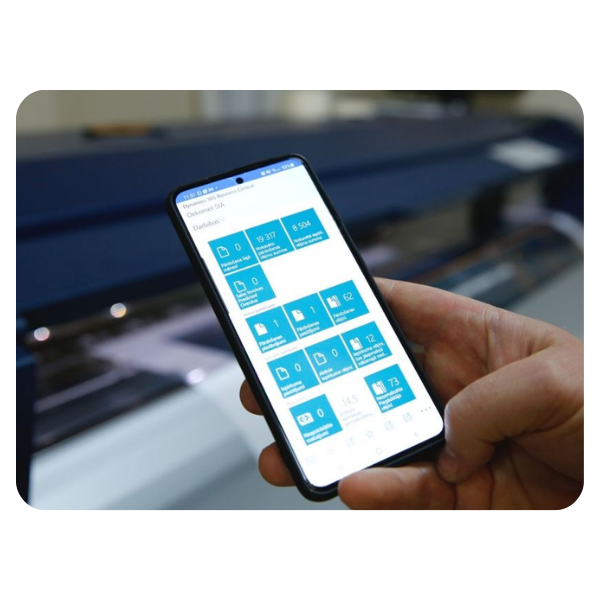
Stay Connected with Mobile Access
With the Business Central mobile app, you’re not tied to your desk. Track sales, manage inventory, and make decisions from anywhere, giving your team the freedom to stay connected and productive – even when you’re away from the office.
AI isn’t just an upgrade—it’s your competitive edge.
Business isn’t slowing down, and neither can you. At the same time, you need to outsmart the competition. That’s why AI in Business Central doesn’t just speed things up; it gives your team a smarter way to work, helps uncover opportunities you might otherwise miss, and turns everyday decisions into strategic advantages. It’s the difference between reacting to problems and staying two steps ahead.


Cloud ERP Makes AI Affordable
The good news is that adopting AI doesn’t require a massive IT overhaul. The AI features in Business Central are built in and updated automatically, so you always have access to the latest tools without heavy infrastructure costs. Working with trusted partners like Mustard Seed Systems Corporation makes the process even easier—they provide packages that include licenses, implementation, support, training, and Copilot access, so businesses of any size can take advantage of its benefits. Now you can migrate from on-premise or legacy systems without needing an army of IT specialists or huge upfront investments.
AI Is Now a Standard, Not a “Nice-to-Have”
AI is no longer just a futuristic feature or optional extra—it’s quickly becoming the baseline for running a competitive business. Companies that adopt AI tools are able to make faster, smarter decisions, catch errors before they escalate, and respond to market changes in real time. Embracing AI now isn’t just a productivity boost—it’s about staying relevant in a world where speed, accuracy, and insight determine success.


Future-Proof Your Business
Adopting AI now isn’t just about solving today’s challenges—it’s about preparing your company for the next wave of innovation. By integrating AI into your operations early, you set up systems, processes, and teams that can adapt quickly to future changes, giving your business a clear advantage as new tools and opportunities emerge.
Cloud ERP Makes AI Affordable
The good news is that adopting AI doesn’t require a massive IT overhaul. The AI features in Business Central are built in and updated automatically, so you always have access to the latest tools without heavy infrastructure costs. Working with trusted partners like Mustard Seed Systems Corporation makes the process even easier—they provide packages that include licenses, implementation, support, training, and Copilot access, so businesses of any size can take advantage of its benefits. Now you can migrate from on-premise or legacy systems without needing an army of IT specialists or huge upfront investments.
Send us a Message
For more information or inquiry about our products and services, kindly fill out the form below.
Get in Touch
