
From Manila to the Provinces: Mastering Multi-Warehouse Inventory with NetSuite
As businesses in the Philippines expand beyond a single warehouse, adding provincial distribution centers, retail stockrooms, or e-commerce fulfillment hubs, inventory management becomes more complex. Tracking stock manually or through disconnected systems often leads to errors, delays, and lost sales.
This is where multi-warehouse inventory software becomes essential.
With the right system in place, businesses can gain real-time visibility across locations, improve fulfillment speed, and make smarter inventory decisions. One of the most reliable platforms for this is NetSuite warehouse management, which offers robust inventory management for multiple warehouses; all in one centralized system.
In this article, we’ll explore:
- How inventory software supports multi-warehouse operations
- NetSuite’s key multi-location inventory features
- Benefits for Philippine businesses
- How to manage inventory across multiple channels

Multi-Warehouse Inventory Software Explained
Inventory everywhere, but visibility nowhere? Multi-warehouse inventory software allows businesses to manage inventory across multiple warehouse locations using a single system. Instead of tracking stock separately per location, all inventory data is centralized and updated in real time.
This is especially useful for Philippine companies that operate:
- A main warehouse in Metro Manila
- Satellite warehouses in Cebu, Davao, or other provinces
- Retail stores with backroom inventory
- E-commerce fulfillment locations
With inventory software for multiple warehouse locations, businesses can track stock levels, inventory value, purchases, sales, and transfers without relying on manual updates.
How Inventory Software Powers Multi-Warehouse Operations
Managing inventory across locations isn’t just about knowing how much stock you have. It’s about knowing where it is, how it moves, and how it’s used.
Inventory management for multiple warehouses keeps operations in sync by:
- Centralizing inventory data across all locations
- Associating every transaction with a specific warehouse
- Preventing stock discrepancies and overselling
- Improving fulfillment and replenishment decisions
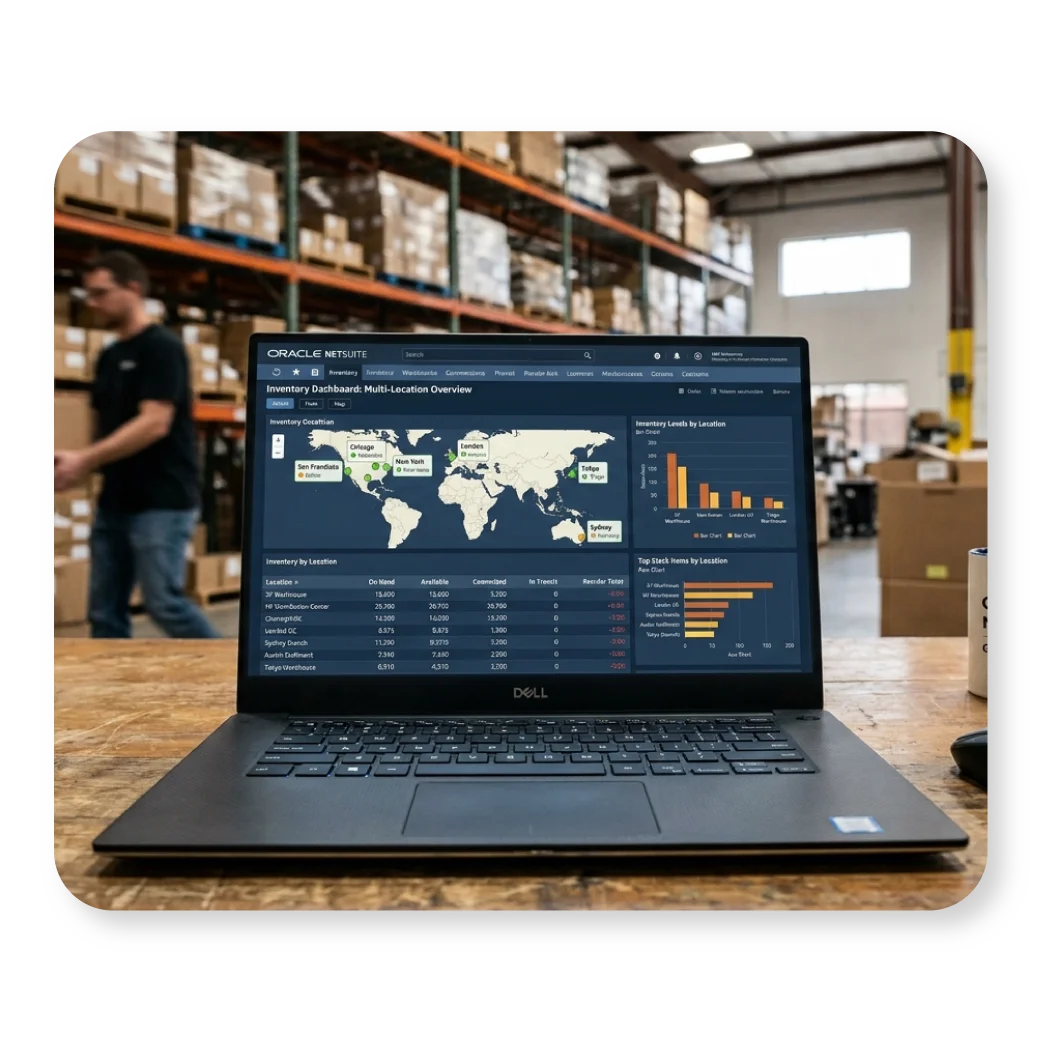
Key NetSuite Features for Multi-Warehouse Inventory Management
Managing multiple warehouses doesn’t have to be stressful. NetSuite comes with features that let you see what’s in stock, move items between locations, and fulfill orders without confusion, all from one system.

Multi-Location Inventory
NetSuite’s Multi-Location Inventory feature allows you to manage inventory for each warehouse or stock location separately, while still maintaining a single system.
With this feature, you can:
- Associate each item with one or more locations
- Track inventory quantity, value, purchases, and sales per location
- Transfer inventory between warehouses
- Set location-specific inventory rules
For example, if you stock fast-moving items in Manila and slower-moving stock in Cebu, NetSuite lets you manage those independently while still seeing the big picture.
Serialized Inventory for Multiple Locations
For businesses that sell serialized products such as electronics, appliances, medical equipment, or machinery, NetSuite provides serialized inventory tracking by location.
Here’s how it works:
- Each serial number is assigned to one specific location
- A serialized item can only exist in one location at a time
- All transactions must use the correct warehouse location
Purchasing Serialized Items
When receiving serialized items:
- You select the warehouse location
- You enter the serial numbers being received
- The number of serials must match the quantity received
Selling Serialized Items
When selling:
- A serial number can only be sold from the location where it’s stocked
- If the wrong location is selected, NetSuite alerts you before saving
- If your forms allow location selection per line, NetSuite automatically picks the correct location once the serial number is entered
This prevents costly mistakes and inventory mismatches which are especially important for high-value products.

Fulfillments for Multiple Locations
Fulfilling orders from multiple warehouses requires careful handling, especially when partial fulfillments are involved.
NetSuite supports multi-location fulfillments, but it also enforces best practices to keep inventory counts accurate.
Example Scenario:
You receive a sales order for 30 units of Item #2345, initially assigned to Location A.
- You fulfill 20 units from Location A
- The remaining 10 units are available in Location B
When fulfilling orders from multiple locations, NetSuite has a proper way of handling it to prevent inventory mismatches. Instead of manually changing locations on the same order line, the system guides you to fulfill items from the correct warehouse. This ensures accurate inventory tracking especially when using Intercompany Cross-Subsidiary Fulfillment, which is common for larger Philippine businesses.
Once Multi-Location Inventory is enabled, NetSuite unlocks several advanced tools that help businesses fine-tune their warehouse operations such as:
Inventory Controls and Movement
Easily transfer inventory between warehouses when one location runs low and another has excess stock.
- The system also supports inventory replenishment and withdrawal rules, helping teams restock at the right time instead of reacting to shortages.
- For returned items, NetSuite tracks costing by location, giving finance and operations teams more accurate inventory valuation.


Warehouse Optimization
To make warehouse operations more efficient, NetSuite includes tools that help organize physical storage and inventory flow.
- Bin management allows staff to track exactly where items are stored within a warehouse, reducing picking time and errors.
- Advanced item location configuration and inventory management features make it easier to handle high volumes, multiple item types, and detailed warehouse layouts.
Advanced Receiving
NetSuite’s Advanced Receiving feature gives businesses flexibility when receiving inventory. This is particularly useful for Philippine importers and distributors who regularly deal with partial deliveries, overseas suppliers, or delayed billing.
- Items can be received without billing them right away, which is especially helpful when shipments arrive in parts or invoices are delayed.
- Teams can receive single or multiple items in one transaction, and returned items can be marked with a Restock option to quickly put them back into available inventory.
- The system also supports FIFO and LIFO inventory costing, ensuring accurate valuation based on your accounting requirements.

Advanced Shipping
With Advanced Shipping, businesses can fulfill orders without having to bill immediately, giving operations teams more flexibility in managing shipments.
Multiple orders can be fulfilled at once, making it ideal for high-volume environments such as distribution centers and e-commerce fulfillment hubs.
More Warehouses, Fewer Headaches: The Benefits of Multi-Warehouse Inventory
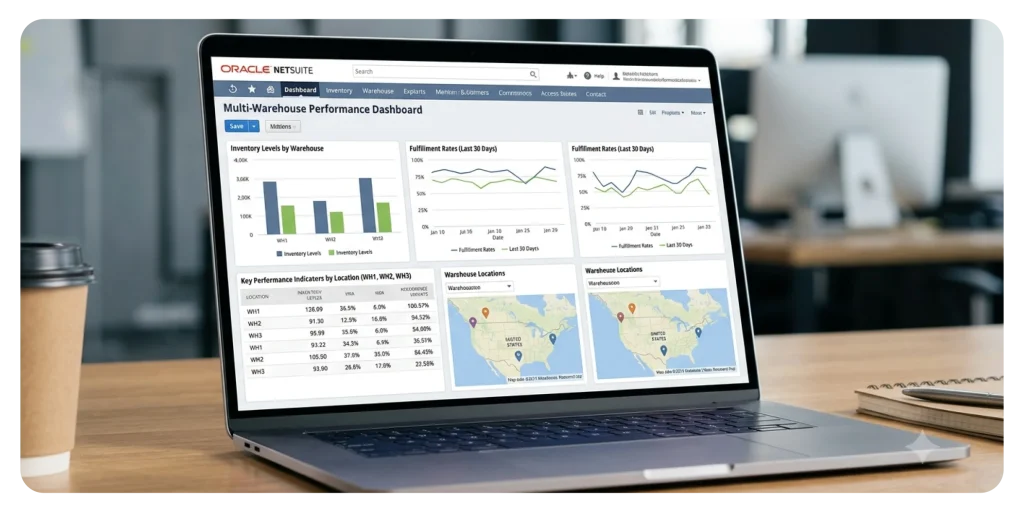
Implementing multi-warehouse inventory software like NetSuite delivers measurable benefits:
- Real-Time Inventory Visibility
See exactly what’s in stock and where it’s located across all warehouses, without waiting for manual updates or end-of-day reports. - Fewer Stockouts and Overstocking
Balance inventory across locations more effectively, so high-demand items stay available while excess stock doesn’t pile up elsewhere. - Faster Order Fulfillment
Automatically fulfill orders from the best warehouse, helping you deliver faster to customers nationwide. - Lower Storage and Carrying Costs
Better inventory planning means less money tied up in slow-moving stock and lower warehousing costs overall. - Smoother Warehouse Coordination
Keep all warehouses aligned using one system, reducing miscommunication and duplicate work. - Better Customer Experience
Accurate stock levels and faster deliveries lead to happier customers and fewer order issues.
For Philippine businesses handling inter-island logistics and tight delivery timelines, these benefits don’t just improve operations; they directly support profitability and sustainable growth.
From Online to In-Store: Managing Inventory Across Multiple Sales Channels
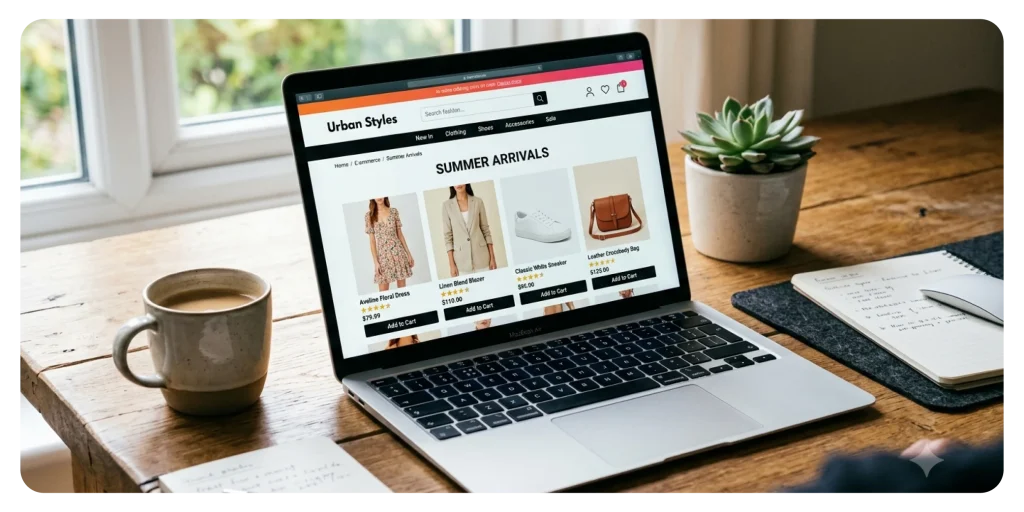
Many Philippine businesses don’t rely on just one sales channel anymore. They sell through:
- Physical retail stores
- Company websites
- Marketplaces like Shopee and Lazada
- Wholesale and B2B channels
While this opens up more opportunities to reach customers, it also makes inventory management more challenging.
NetSuite helps by acting as a single source of truth for inventory across all sales channels. Stock levels are updated in real time whenever an item is sold, returned, or transferred—no matter where the transaction happens. This prevents overselling, reduces order errors, and ensures customers see accurate availability whether they’re shopping online, in-store, or through a sales rep. In the end, it leads to smoother operations and a better buying experience across the board.
Work with a Trusted NetSuite Partner in the Philippines
NetSuite is a powerful platform, but how it’s set up can make or break your inventory operations. Before enabling Multi-Location Inventory, it’s important to prepare your data, processes, and warehouse structure properly. Once this feature is turned on and inventory is distributed, changes can be difficult to undo, so getting it right from the start really matters.
That’s why working with an experienced implementation partner is highly recommended. If you’re planning to roll out inventory software for multiple warehouse locations, Mustard Seed Systems Corporation can guide you through the entire process. They help design an efficient multi-warehouse setup, configure NetSuite to match your actual workflows, train your warehouse and inventory teams, and make sure everything runs smoothly as your business grows.
