
Automate Data Entry with Microsoft Dynamics 365 Business Central
Reduce Manual Work, Improve Data Accuracy, and Automate Routine Business Processes with AI-Powered ERP
Manual data entry remains a common challenge for businesses. Finance and operations teams often spend hours entering invoices, updating customer records, recording transactions, reconciling information, and moving data between spreadsheets and different business systems.
These repetitive tasks can take valuable time away from higher-value activities and increase the risk of human error.
Microsoft Dynamics 365 Business Central helps businesses automate data entry and routine processes by bringing financial management, sales, purchasing, inventory, and operations into one connected ERP system. With automation and Microsoft Copilot, businesses can reduce repetitive work, improve data accuracy, and give employees faster access to the information they need.
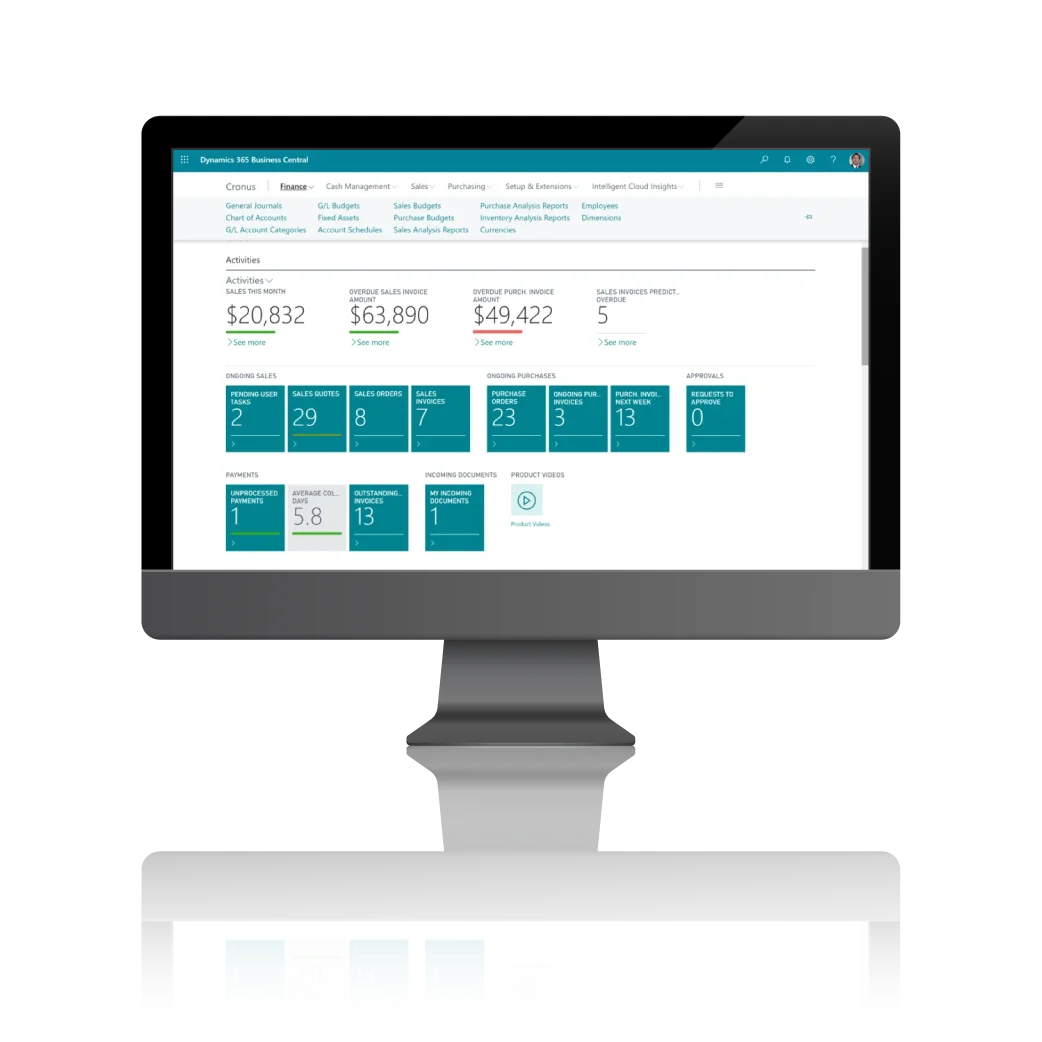
What Is Microsoft Dynamics 365 Business Central?
Microsoft Dynamics 365 Business Central is a cloud-based ERP solution designed to help small and midsize businesses manage core business operations in one system.
It connects important business functions such as:
- Financial management
- Accounts payable and receivable
- Sales and customer management
- Purchasing
- Inventory management
- Warehouse operations
- Project management
- Supply chain processes
- Reporting and analytics
Instead of maintaining information across multiple spreadsheets and disconnected applications, businesses can manage data within a centralized ERP platform.
How Does Business Central Automate Data Entry?
Business Central can reduce repetitive data entry by connecting transactions and business processes.
For example, information entered during one process can be used in related processes without requiring employees to repeatedly enter the same information.
1. Automate Financial Transactions
Finance teams can automate and simplify repetitive accounting activities, including transaction recording, invoice processing, payment management, and account reconciliation.
This reduces the need to manually transfer financial information between spreadsheets and accounting systems.
2. Reduce Duplicate Data Entry
When business information is stored in a centralized ERP system, employees do not need to repeatedly enter the same customer, vendor, item, or transaction information into separate systems.
This can help reduce duplicate records and data inconsistencies.
3. Automate Purchasing Processes
Businesses can use Business Central to manage purchase orders, vendors, receipts, and invoices within connected workflows.
This gives purchasing and finance teams better visibility into transactions while reducing manual administrative work.
4. Improve Inventory Data Management
Inventory information can be updated as sales, purchases, transfers, and other transactions occur.
This helps businesses maintain more accurate inventory records and reduces dependence on manually updated spreadsheets.
5. Connect Sales and Finance
Sales transactions can be connected with inventory and financial processes.
This means teams can work from the same business information instead of manually transferring sales data to accounting or inventory records.
How Microsoft Copilot Helps Reduce Manual Work
Microsoft Copilot in Business Central adds AI capabilities that can help users work with business information more efficiently.
Depending on the available features and configuration, Copilot can assist users with tasks such as generating content, summarizing information, analyzing data, and supporting business workflows.
Instead of spending excessive time searching through information or preparing repetitive content, employees can use AI assistance to complete certain tasks faster.
The result is a work environment where employees can spend less time on repetitive administrative activities and more time on analysis, customer service, planning, and decision-making.
Benefits of Automating Data Entry with Business Central

Reduce Manual Work
Automating repetitive processes allows employees to spend less time entering and transferring information manually.
Improve Data Accuracy
Reducing manual data entry can help minimize errors caused by incorrect typing, duplicate entries, or outdated spreadsheets.
Increase Productivity
Employees can focus more on activities that require analysis, judgment, and customer interaction instead of repetitive administrative tasks.
Improve Data Visibility
Business Central provides a centralized view of business information, helping authorized users access relevant financial and operational data more efficiently.
Support Faster Decision-Making
When business information is available in one system, managers can use more current and consistent data to monitor performance and make decisions.
Scale Business Operations
As transaction volumes increase, automation can help businesses handle more processes without relying on the same amount of manual administrative work.
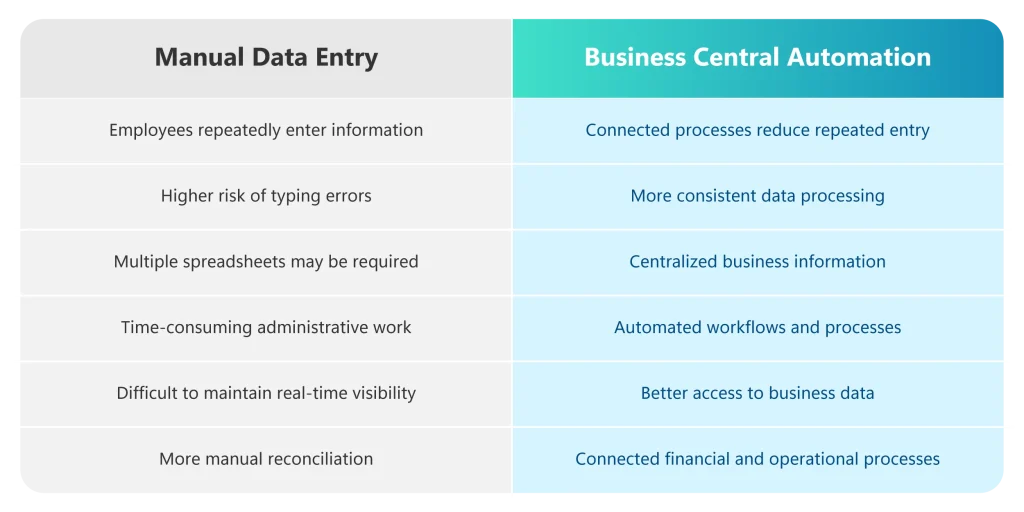
Manual Data Entry vs. Automated ERP Processes

Who Can Benefit from Business Central Data Automation?
Business Central can be valuable for organizations that are experiencing growing transaction volumes or relying heavily on spreadsheets and manual processes.
It can be particularly useful for:
- Retail businesses
- E-commerce companies
- Distributors
- Wholesalers
- Manufacturing businesses
- Professional services companies
- Multi-location businesses
- Growing SMEs
- Companies managing complex financial operations
Businesses with multiple departments, locations, warehouses, or subsidiaries can also benefit from having business information managed through a centralized ERP platform.
Signs Your Business Needs to Automate Data Entry
Your organization may benefit from ERP automation if:
- Employees spend hours entering the same information repeatedly.
- Finance teams rely heavily on spreadsheets.
- Customer and vendor information is stored in multiple systems.
- Inventory records require frequent manual updates.
- Employees manually transfer data between departments.
- Management reports take too long to prepare.
- Data errors frequently require corrections.
- Business transactions are increasing faster than administrative capacity.
These are signs that manual processes may be limiting productivity and data visibility.

Business Central for Philippine Businesses
For businesses in the Philippines, an ERP system should support both operational efficiency and local business requirements.
Microsoft Dynamics 365 Business Central can be configured to support Philippine accounting and reporting requirements, including integrations and configurations relevant to BIR compliance, Computerized Accounting System (CAS), and Electronic Invoicing/Receipting System (EIS) requirements, depending on the implementation and current regulatory requirements.
Proper ERP configuration is important because compliance requirements can change. Businesses should work with an experienced implementation partner to ensure their system is configured appropriately for their operations and regulatory obligations.
Why ERP Automation Is Better Than Relying on Spreadsheets
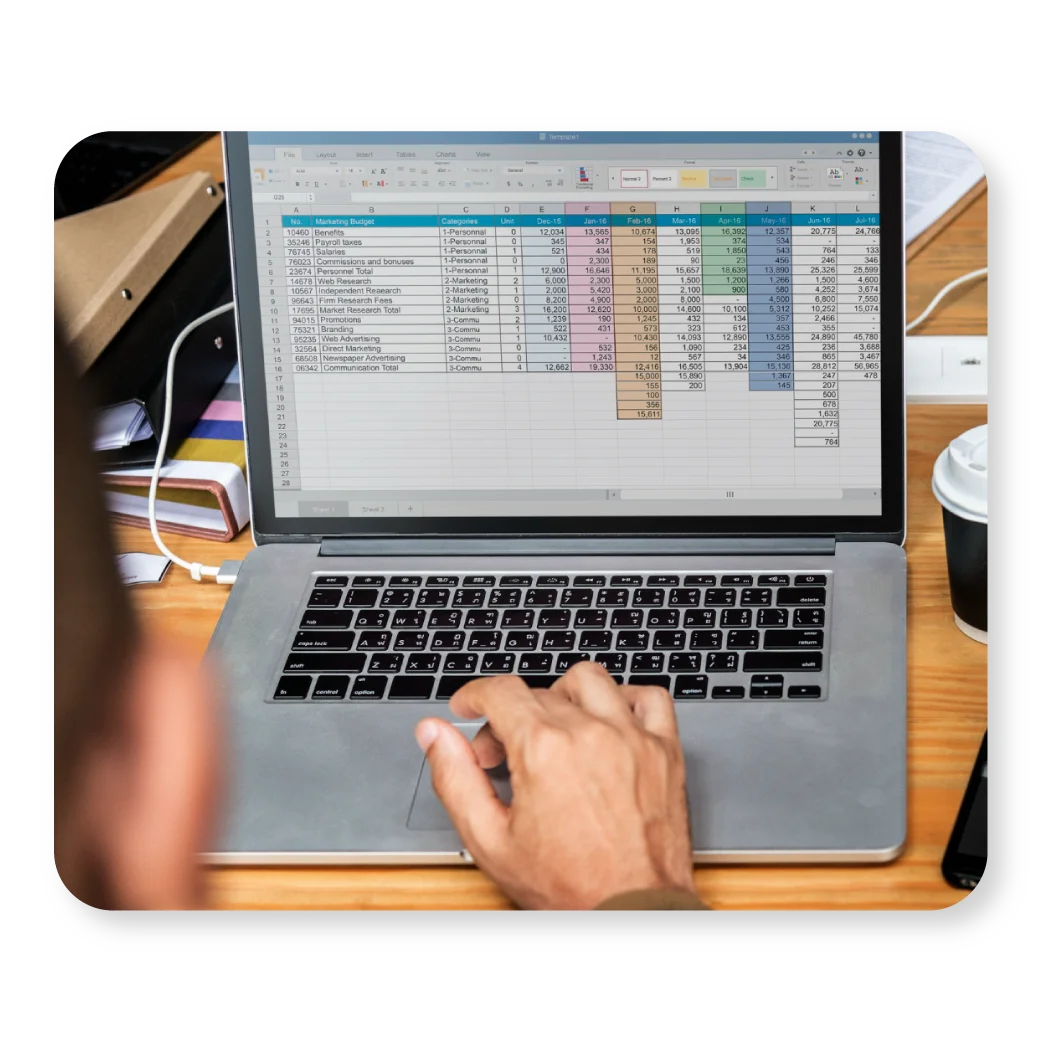
Spreadsheets remain useful for analysis and ad hoc calculations, but they can become difficult to manage when they are used as the primary system for business transactions.
As a company grows, spreadsheets can lead to:
- Duplicate information
- Version-control problems
- Manual calculations
- Data-entry errors
- Limited visibility
- Time-consuming reporting
- Difficult reconciliation
An ERP such as Business Central provides a structured environment where financial and operational processes can work together.
The goal is not simply to eliminate spreadsheets. Instead, businesses can use ERP automation for core transactions while continuing to use tools such as Microsoft Excel for analysis and reporting where appropriate.
Business Central Integrates with the Microsoft Ecosystem
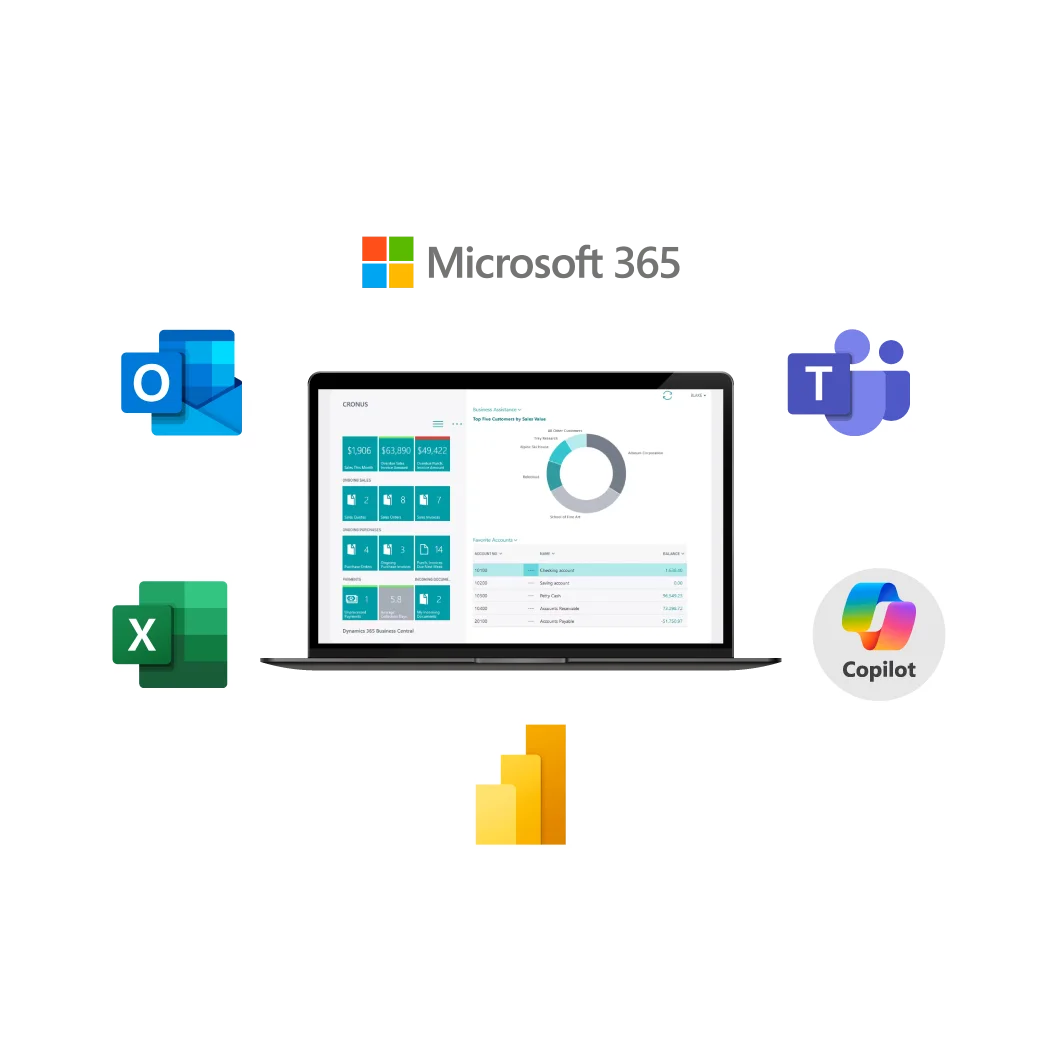
One of the advantages of Microsoft Dynamics 365 Business Central is its connection with familiar Microsoft technologies.
Businesses can work with tools such as:
- Microsoft Excel
- Microsoft Outlook
- Microsoft Teams
- Microsoft Power BI
- Microsoft 365
- Microsoft Copilot
This can help organizations connect ERP information with the applications employees already use in their daily work.
How to Get Started with Data Entry Automation
Businesses do not need to automate every process at once.
A practical approach is to identify repetitive, high-volume processes first.
Step 1: Identify Repetitive Tasks
Document processes where employees repeatedly enter, copy, or transfer information.
Step 2: Find the Source of Errors
Determine which manual processes create the most frequent data errors or delays.
Step 3: Prioritize High-Impact Processes
Start with processes that consume significant employee time or affect financial and operational accuracy.
Step 4: Configure Business Central
Work with an experienced implementation team to configure workflows, data structures, integrations, and user roles according to your business requirements.
Step 5: Train Employees
Employees should understand how automated processes work and how they should manage exceptions.
Step 6: Monitor and Improve
Review process performance regularly and identify additional opportunities for automation.

Why choose Mustard Seed Systems for Microsoft Dynamics 365 Business Central?
Mustard Seed Systems Corporation is a Microsoft Dynamics 365 Business Central provider and implementation partner in the Philippines. The company helps businesses evaluate, implement, configure, and support Business Central according to their financial and operational requirements. Services can include consultation, implementation, data migration, integrations, user training, automation, and ongoing support.
Send us a Message
For more information or inquiry about our products and services, kindly fill out the form below.
Get in Touch
